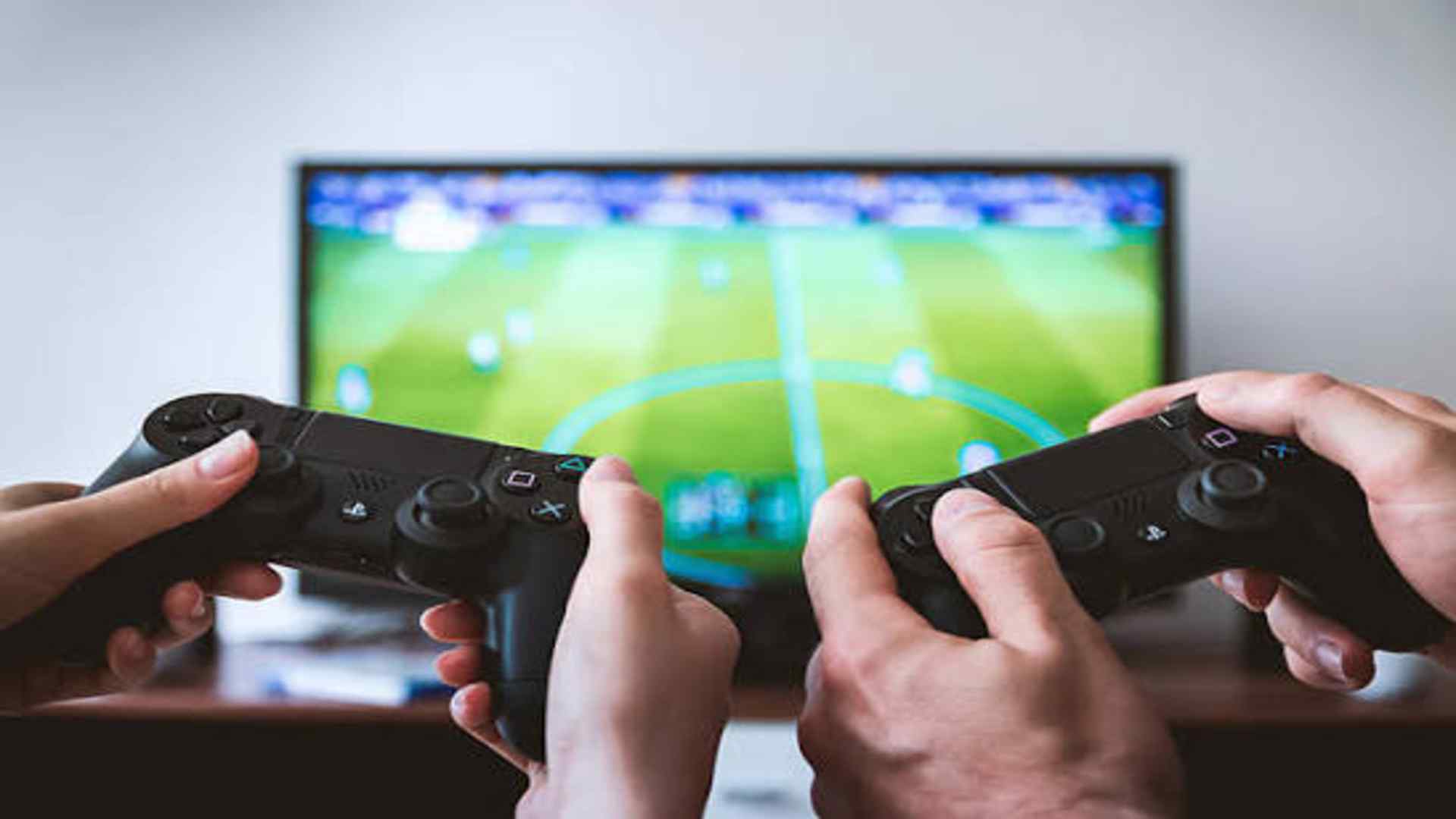
Modern televisions are equipped with advanced processors designed to enhance visual quality for movies and standard broadcasts. However, these complex enhancements can introduce noticeable delays when you connect a gaming console or computer to your screen. Activating the designated gaming configuration alters how your television handles incoming video signals to create a much more responsive interactive experience.
Understanding Input Lag Reduction
The primary function of this setting is to significantly decrease input lag, which is the delay between pressing a button and seeing the action on screen. Standard picture modes use heavy processing pipelines to smooth out motion and upscale lower-resolution content for passive viewing. By bypassing these non-essential computational steps, the television delivers video frames to the panel almost instantly.
For fast-paced competitive titles, a reduction in latency can completely transform your success rate during intense matches. Players will notice that character movements feel immediate and aiming becomes much more precise across various map layouts. This mechanical optimization ensures your physical inputs align perfectly with the fast events happening in real time.
The Visual Trade-Offs Explained
While responsiveness improves dramatically, turning on this feature usually deactivates several automatic picture enhancement algorithms. Features like motion interpolation, advanced noise reduction, and certain contrast boosters are turned off to save processing time. Consequently, you might notice a slight drop in absolute cinematic polish or minor changes in overall color grading.
Despite these changes, modern displays maintain high performance by utilizing hardware-level capabilities like high dynamic range mapping. Many television manufacturers allow users to manually adjust basic brightness and color settings within the specialized profile to compensate for deactivated filters. This balance ensures that games still look spectacular while prioritizing computational speed over visual post-processing.
Impact on Refresh Rates and Smoothness
Enabling this profile often unlocks advanced display capabilities such as variable refresh rates and auto low latency modes. These technologies synchronize the frame delivery of your console directly with the refresh cycle of the television panel. This integration eliminates screen tearing and minimizes stuttering when game performance fluctuates during heavy rendering scenes.
Having a stable connection between the rendering source and your display ensures a smooth presentation without adding artificial processing overhead. Many players find that the raw clarity of native frames looks cleaner than artificial motion smoothing. The resulting fluidity makes navigating complex environments highly intuitive and comfortable for long sessions.
When to Toggle the Setting Off
This specialized mode is ideal for interactive media but is generally not recommended for watching standard films or television series. Passive media content is filmed at lower frame rates and benefits greatly from the upscaling algorithms that this mode deactivates. Keeping the gaming features active during normal viewing might make standard movies appear overly sharp or lacking in natural cinematic motion.
Fortunately, contemporary home entertainment systems utilize smart features to manage these profiles automatically based on active inputs. Switching back to a standard cinema profile restores full processing capabilities for optimal media consumption. Understanding when to utilize these different configurations helps you maximize the lifespan and utility of your living room display setup.